
Typography
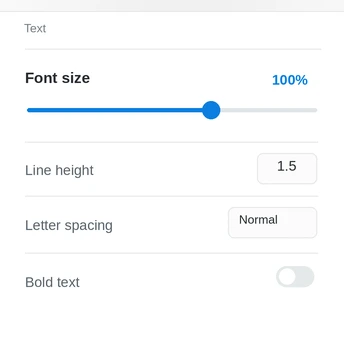
Font size, weight and spacing for more comfortable reading.
ZebraByte service access
Choose the service you want to manage.
ZebraByte Accessibility adds visitor controls and complements our Managed Compliance services. Standard installation is available free of charge, but does not replace a WCAG assessment.
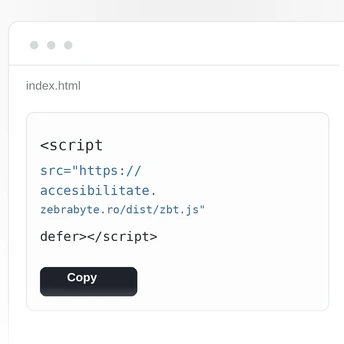
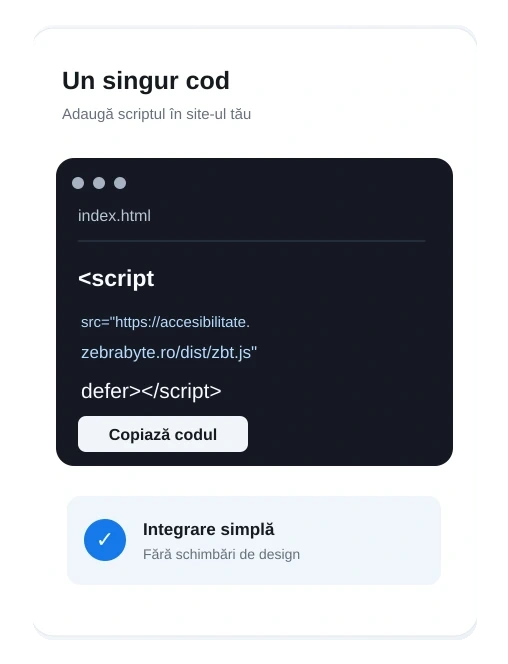
<script src="https://accesibilitate.zebrabyte.ro/dist/zbt.js" defer></script> 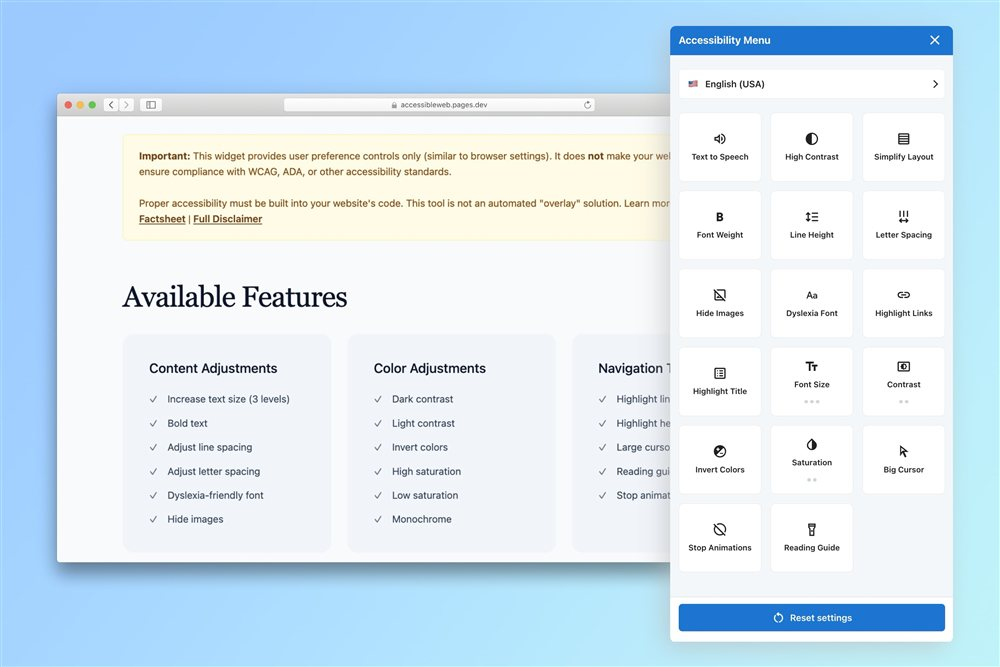
One widget with text, colour, reading and navigation preferences, without rebuilding your existing site.
One integration script without rebuilding existing pages.
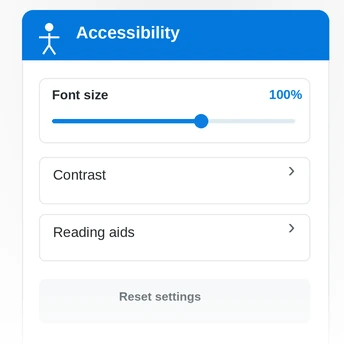
Adjust font size, weight and spacing.
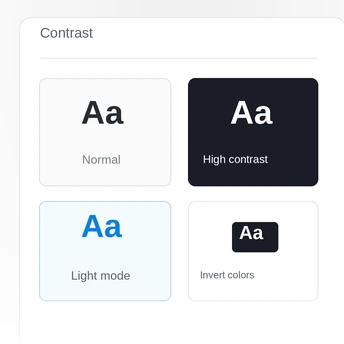
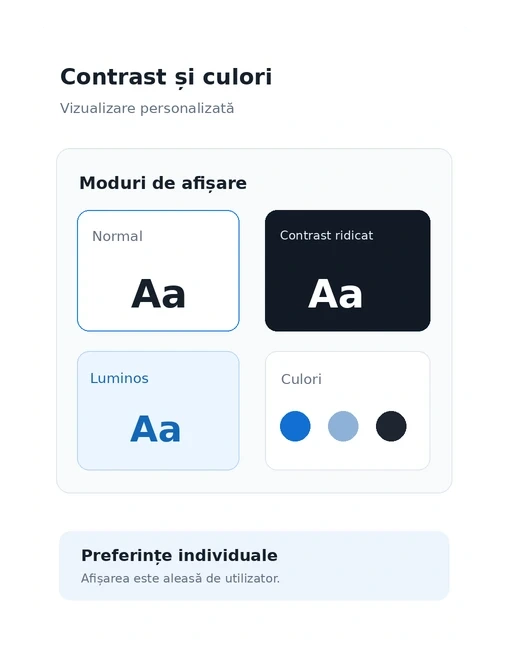
Options for contrast, inverted colours and saturation.
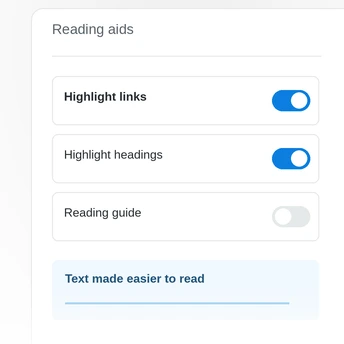
Controls for reading, links and identifying content.
The widget can help users but does not guarantee WCAG compliance.
Add a script and give visitors useful options while your website design stays yours.
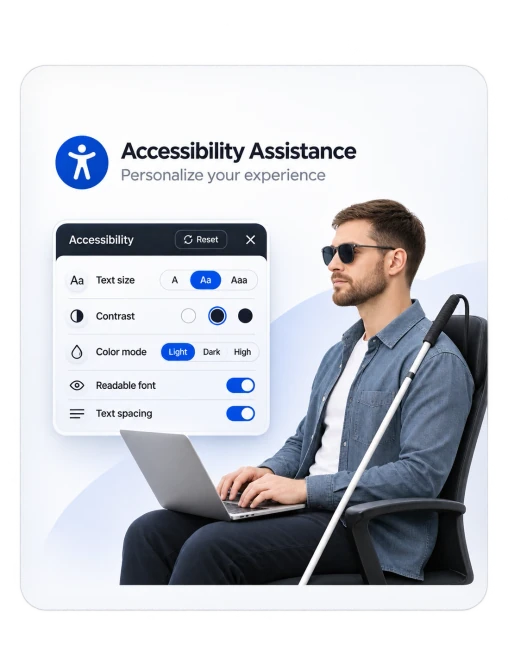
Practical controls for text, display and orientation. Each visitor chooses their preferences.
Font size, weight and spacing for more comfortable reading.
Adjust contrast, colours and saturation.
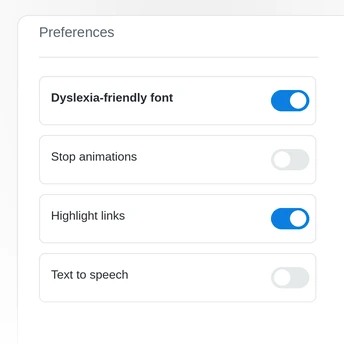
Highlight links and headings and use orientation tools.
Free installation using the script shown above.
Display and reading preferences in a single interface.
Extra controls for visitors without automatic compliance claims.
On working with the ZebraByte team.
“The team helped me with my website from beginning to end and offered useful suggestions throughout the process.”
Featured brands





Yes. The Standard code is offered free for installation. Managed services are separate.
Not for the free Standard widget. Premium administration may require a contracted service.
Copy the code in the hero section and add it before the closing body tag. Check your website's security policy.
It can work on platforms that allow an external JavaScript script, subject to their restrictions.
No. A widget does not automatically fix HTML, keyboard navigation, text alternatives or other accessibility issues.
No. An audit assesses the whole website for accessibility barriers.
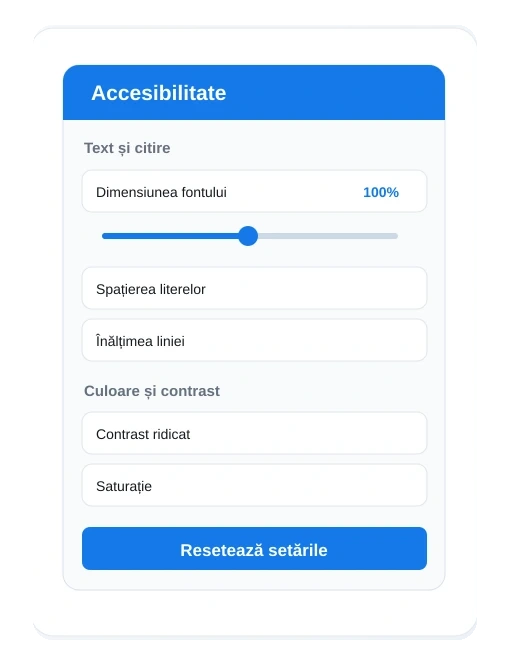
The pictured UI includes text, contrast, colour, spacing and reading settings. Features depend on the installed version.
No. Adjustments are based on visitors' preferences.
Test it across your visitors' devices and browsers; behaviour can vary.
The widget includes language options. Verify the list in the current version.
Yes, if the app allows external scripts and its content security policy permits them.
Assessments, assisted setup and remediation depend on your contracted services and are not automatically part of the free widget.
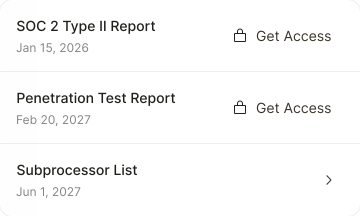
Share security documents securely
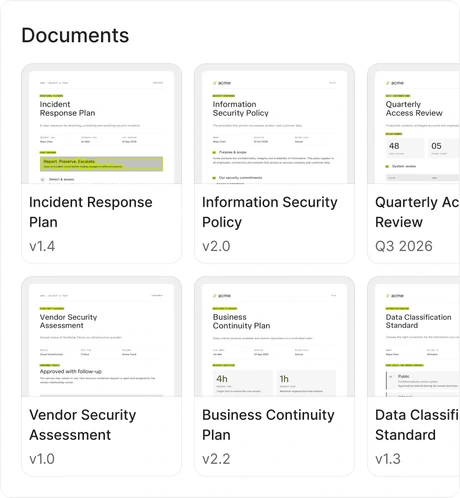
Draft, approve, and sign your policies
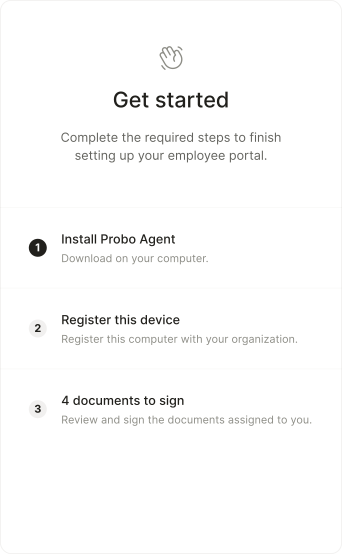
Your whole team’s compliance, in one portal
Monitor user access across all your systems
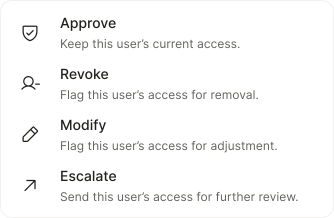
Run compliance from the tools you use
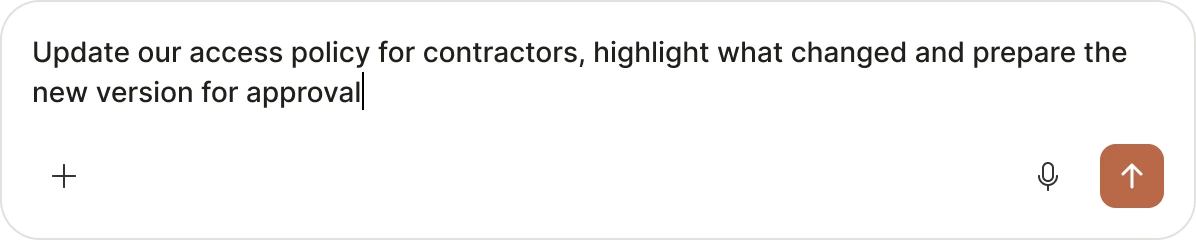
Consent that follows every visitor's law
Monitor device security posture continuously