Explore how MCP clients can support compliance workflows, from risk reviews to audit preparation. Integration availability depends on your organisation's configuration and plan.
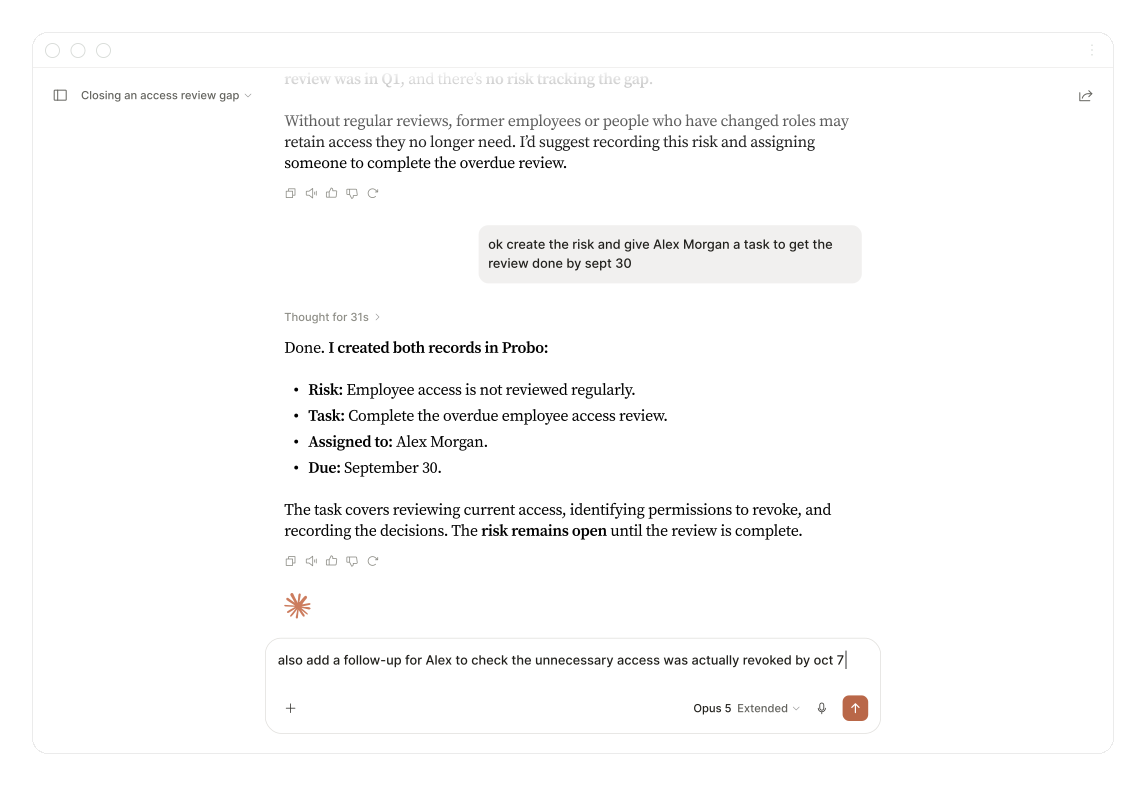
Connect your AI tools
 Claude
 Cursor
 VS Code
 Windsurf
 Zed
 OpenCode
Connect supported compliance workflows to your AI tools.
Where enabled, connect compatible AI clients to supported compliance workflows using the permissions configured for your organisation.
MCP connectivity, by plan
Where enabled, an MCP endpoint exposes the supported compliance tools available to your organisation.
Works in the tools your team already opens
Connect Claude, Cursor, VS Code, Windsurf, Zed, and OpenCode without building an integration.
Scoped to what each person can already do
Grant read-only or read-write scopes per resource, and never above the user’s own permissions.
Skills that know how to use the tools
Use approved compliance workflows alongside your AI tools, so agents can follow repeatable procedures.
Agents that act, not only report
Create and update records so an agent can carry a piece of compliance work to the end.
An agent never sees more than the person who connected it.
Choose the scopes when you create the token, and keep every agent inside the permissions its owner already holds.
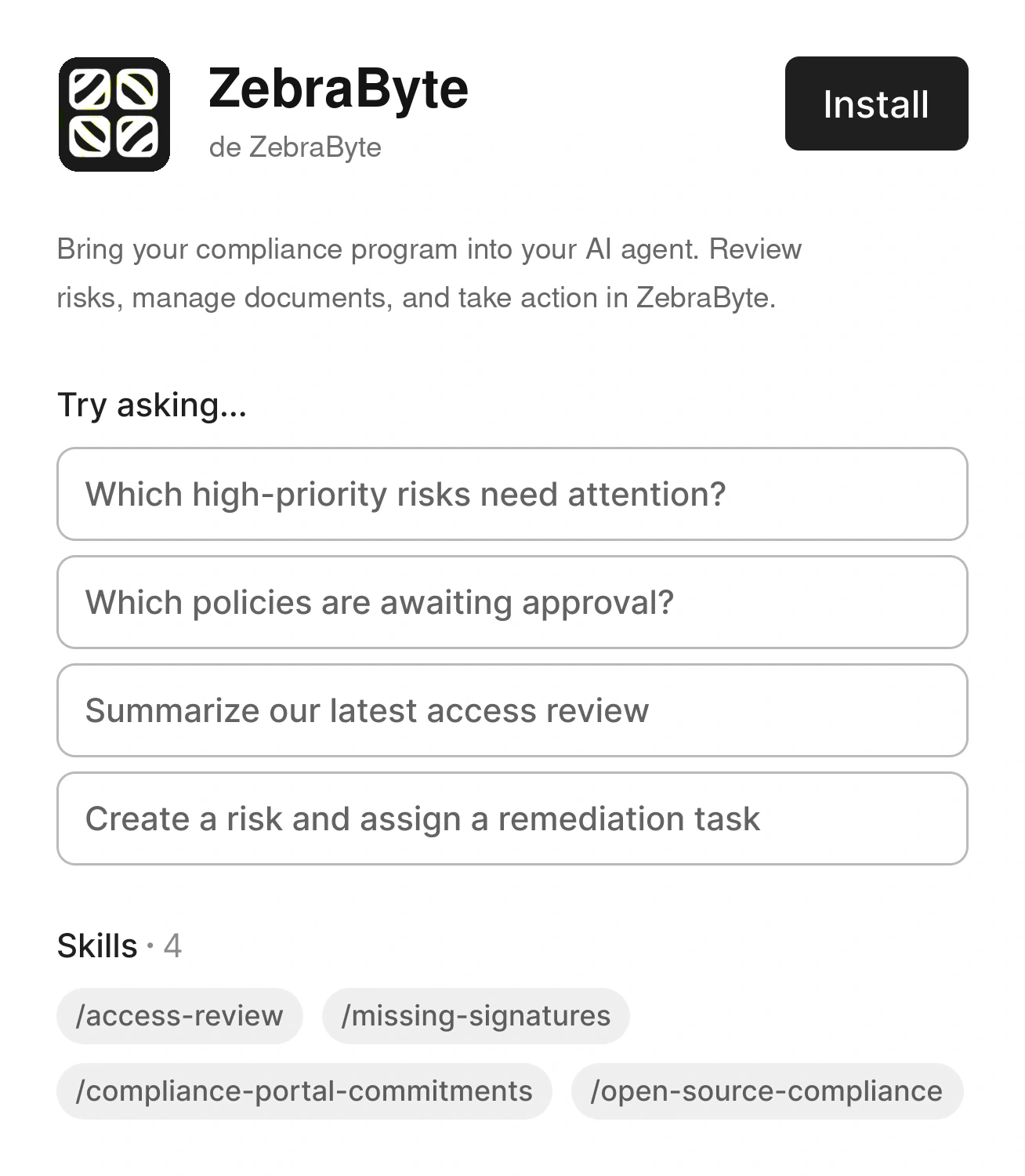
Install the plugin, then sign in
- Configure the supported integration using the instructions supplied for your plan.
- Use the authorised account sign-in flow to connect, where available.
- Designed for the ZebraByte-hosted cloud environment; no customer self-hosting required.
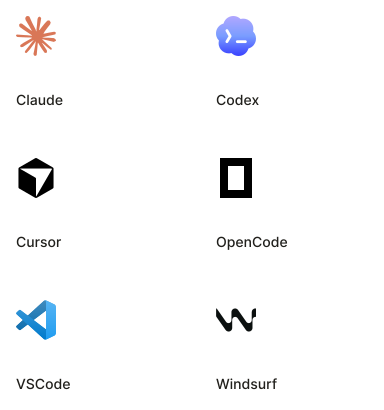
Connect the client your team already uses
- Sign in with interactive OAuth from Claude, Cursor, VS Code, Windsurf, and Zed.
- Use a static scoped token for clients that cannot run an interactive flow.
- One install brings the tools and the ready-made compliance skills to every client.
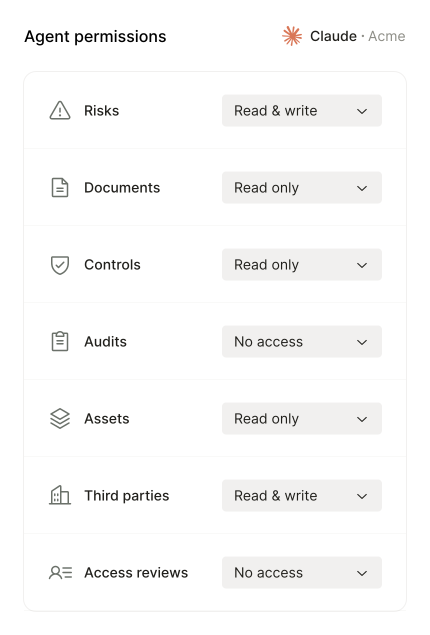
Decide what each agent can touch
- Set access per resource: read and write, read only, or no access at all.
- An agent can never do more than the person who connected it, whatever you grant.
- Revoke an agent in seconds, without locking the person out of their account.
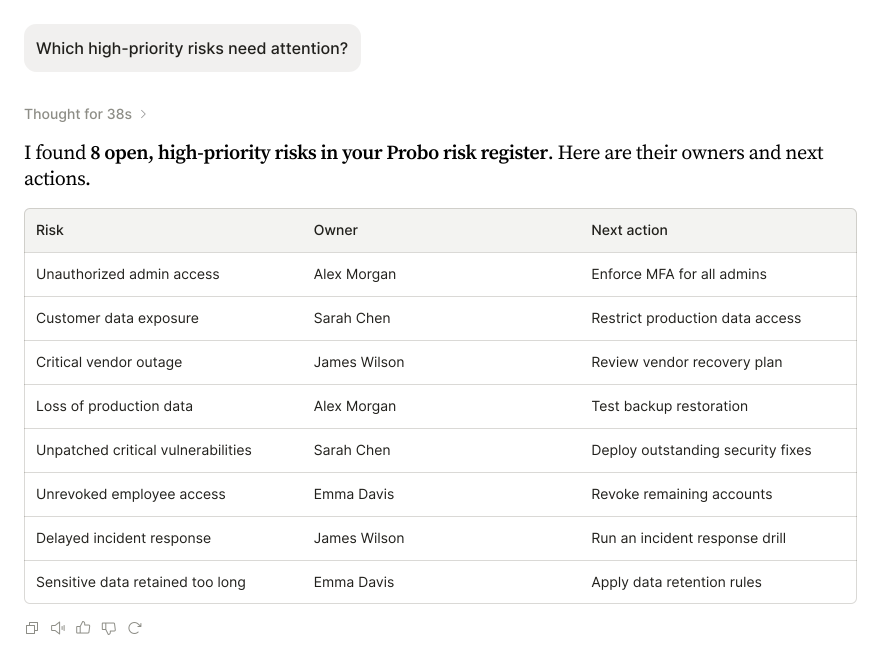
Ask your compliance program a question
- "Which controls have no evidence attached?" Ask in plain language across risks, controls, evidence, audits, and findings.
- Get the whole list back, not the first twenty rows.
- See where your program stands right now, without exporting anything first.
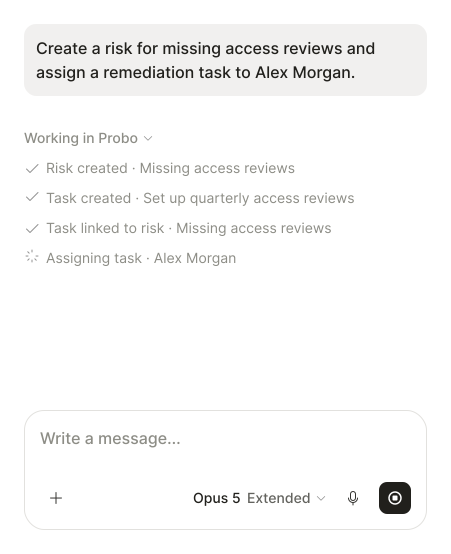
An agent does the work. You approve it.
- Create risks, tasks, documents and evidence, and link them to each other in one go.
- Automate a recurring compliance task without asking an engineer to build an integration.
- Every tool declares whether it only reads or changes something, so you can require approval before anything is written.
Supported operations depend on the active plan and integration.
Discover the full catalog the moment your client connects, from risk registers and control mappings to audits, access reviews, and privacy records.

Run campaigns, pull entries from connected sources, and record decisions.
18 toolsWhat our customers say
On working with the ZebraByte team.

“My site had alerts and security issues. ZebraByte intervened, cleaned it and migrated it, and its performance improved afterward.”
Featured brands





Frequently asked questions
Use the MCP endpoint provided for your ZebraByte deployment. Configure your client, complete the OAuth flow and the permitted tools become available.
Yes, where the ZebraByte deployment includes MCP. Authentication and permissions follow the configuration for that organization.
You can connect Claude, ChatGPT, Codex, Cursor, VS Code, Windsurf, Zed, OpenCode or another MCP-compatible client. Setup and authentication depend on the client.
Agents can query risks, controls, evidence, audits and findings, and can create or update records when granted the necessary write scopes.
Only when its token scopes and the connected user's permissions allow it. Read-only access can be used for analysis.
No. Access is limited to the intersection of the token scopes and the permissions of the person who connected it.
Clients discover the available tools and their schemas when connecting. Reconnecting may expose newly available tools, within the granted scopes.
No. The integration uses the Model Context Protocol, so compatible clients can connect using the standard protocol.
Tools allow an agent to read or modify ZebraByte records. Skills provide reusable workflows that guide how the agent uses those tools.
Yes. Open-source skills can be read, adapted to internal procedures or extended with your own workflows.
The organization chooses the token scopes, and ZebraByte applies the connected user's existing permissions to each operation.
Authorized operations follow the same permissions model and can be attributed to the connected identity, with an audit trail for the action, resource and execution time.
The MCP server responds to the client you connect. The destination and processing of data depend on that client and your account settings with the AI provider. A local client can keep the flow within infrastructure controlled by the organization.
Availability of the API, MCP and CLI depends on the contracted services and deployment. Actual data access remains controlled by scopes and the user's permissions.
Discover more ZebraByte products
-
Compliance Portal
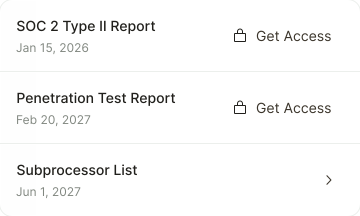
Share security documents securely
-
Document Management
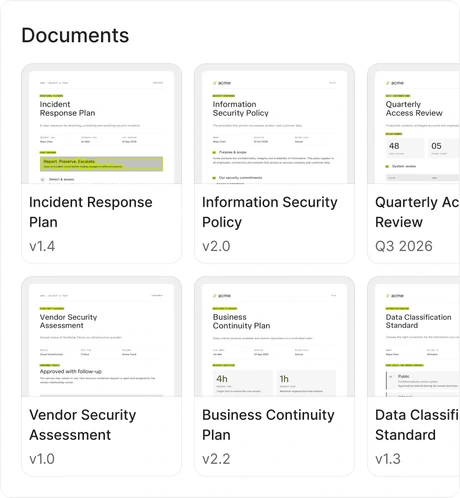
Draft, approve, and sign your policies
-
Employee Portal
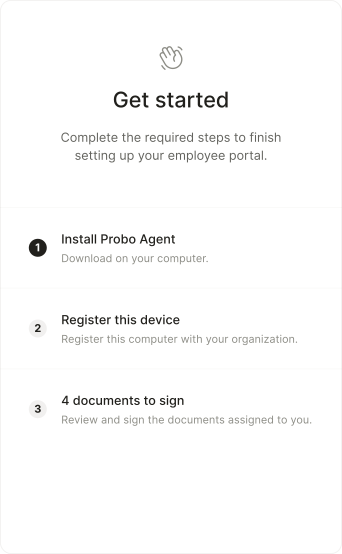
Your whole team’s compliance, in one portal
-
Access Review
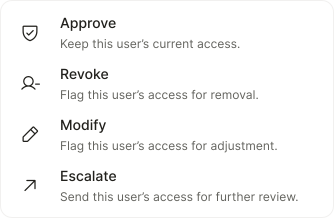
Monitor user access across all your systems
-
AI Agents
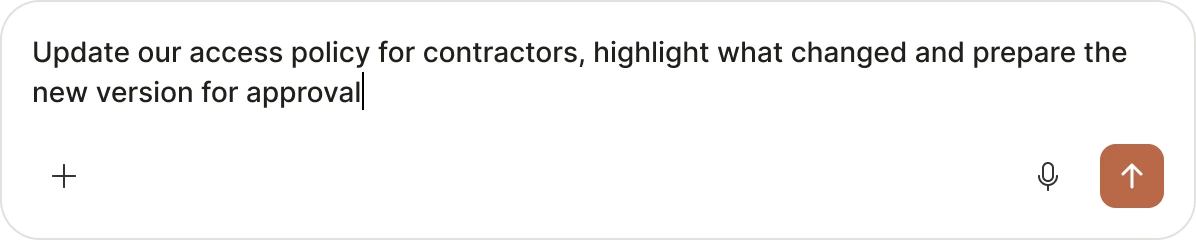
Run compliance from the tools you use
-
Cookie Banner
Consent that follows every visitor's law
-
Device Agent
Monitor device security posture continuously