Devices
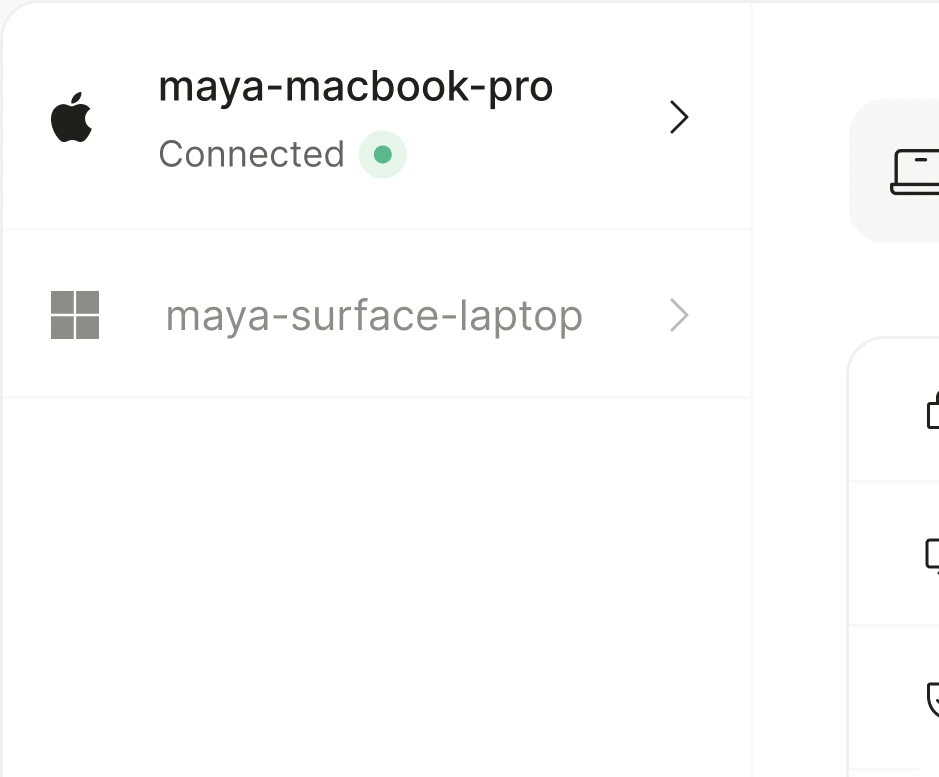
List every enrolled laptop and server with its owner, platform, and last check-in.

ZebraByte service access
Choose the service you want to manage.
Device-security posture monitoring and audit evidence collection within the contracted service scope.
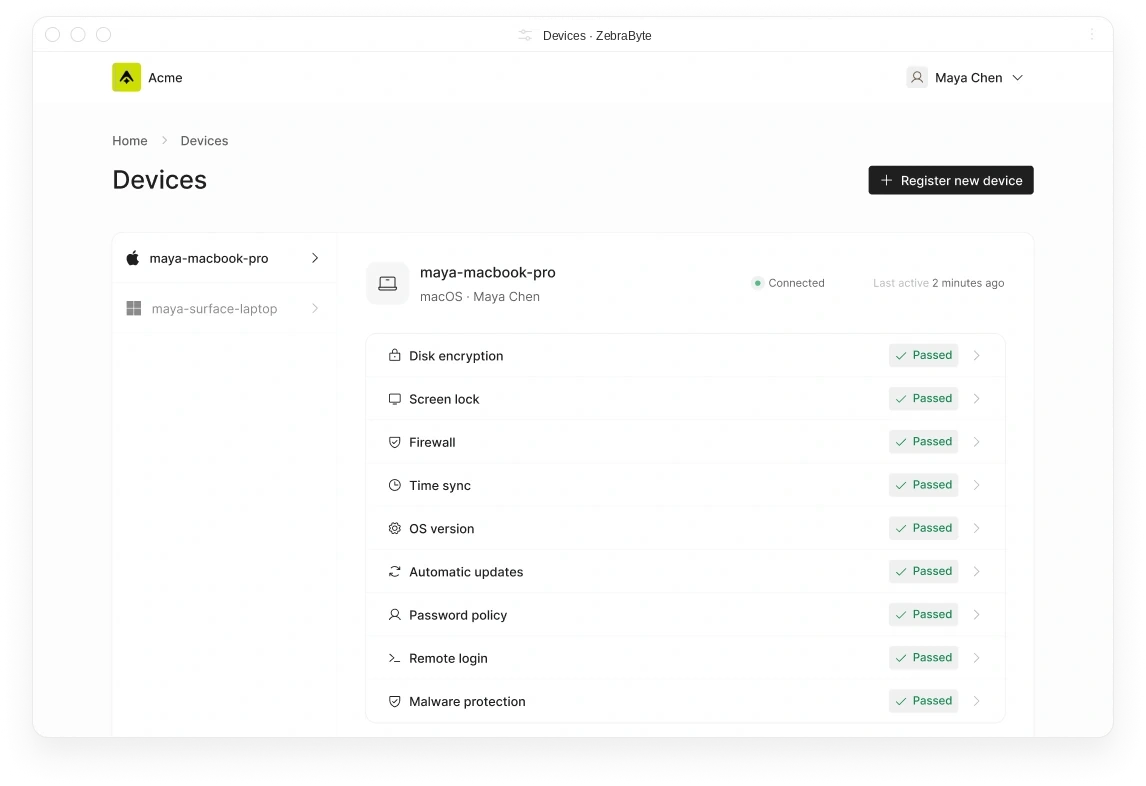
Enroll laptops and servers in minutes, then watch nine posture checks report automatically, so your team always knows what state your fleet is in.
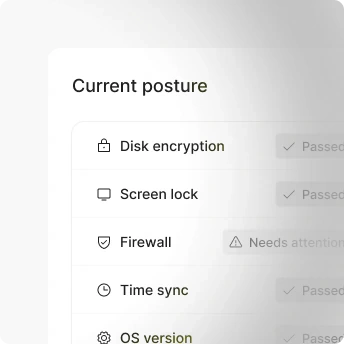
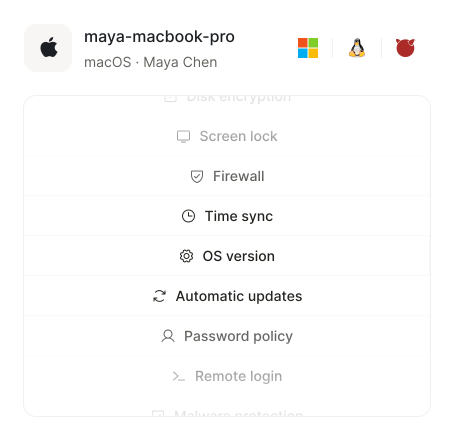
Track nine security checks across every laptop and server you enroll, from disk encryption to malware protection.
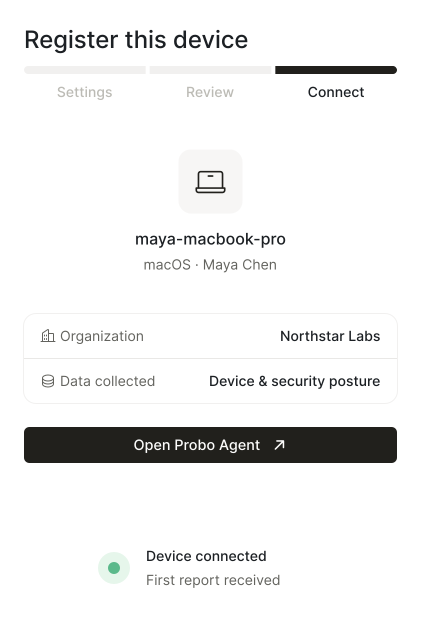
Let employees install the agent and enroll their own laptop in a few clicks, with no IT ticket required.
Run identical checks on macOS, Windows, Linux, and FreeBSD, so posture data means the same thing across your fleet.
Keep the agent purely observational, since it can never push commands, wipe, or lock a device.
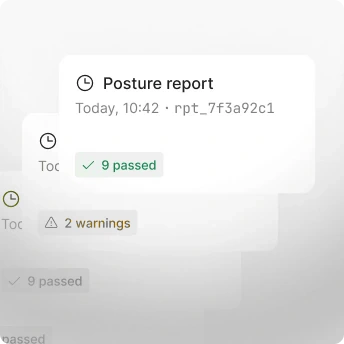
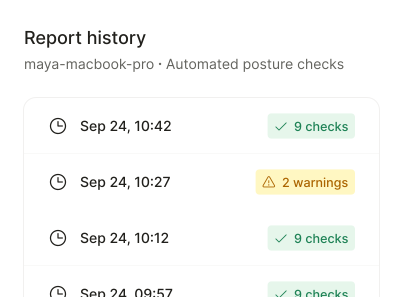
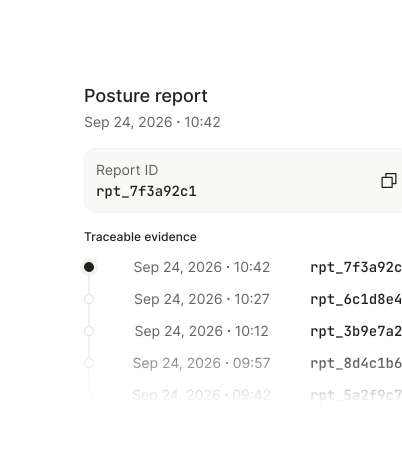
Give auditors a per-device history of every check, with timestamps and correlation IDs for each report.
Enroll each device once, get the same nine checks everywhere, everytime.
Organize enrolled devices, live posture checks, report history, and enrollment tokens into one place instead of screenshots and spreadsheets.
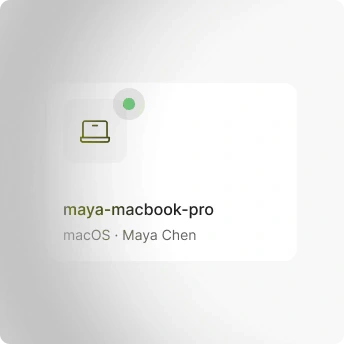
List every enrolled laptop and server with its owner, platform, and last check-in.
Show the live state of all nine checks for each individual device.
Keep a timestamped log of every check result, tagged with its own correlation ID.
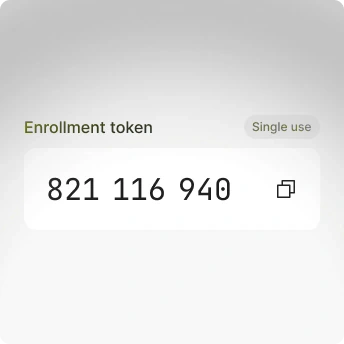
Issue a one-time token per device, so nobody reuses or shares a credential.
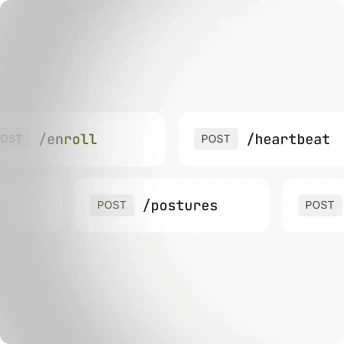
Handle enroll, heartbeat, posture, and unenroll requests over agent-initiated HTTPS only.
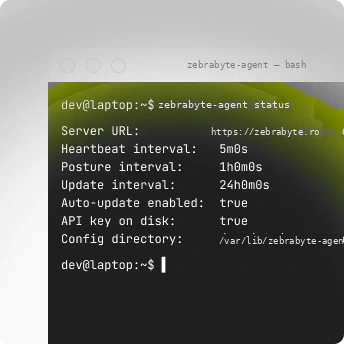
Run install, status, collect, and update from the command line on servers.
On working with the ZebraByte team.
“The team's patience and genuine care stood out. My website now works as I envisioned, and their technical guidance made a real difference.”
Featured brands





Just a few minutes. Install the package and complete enrollment in the browser, after which posture checks begin reporting.
Yes. The agent can be installed using a script or CLI, with the deployment URL and an enrollment token.
No. The agent reports security posture and is not an MDM system; the server cannot send shell commands, scripts or device-control actions.
Nine signals: disk encryption, screen lock, firewall, time synchronization, OS version, automatic updates, password policy, remote login and malware protection.
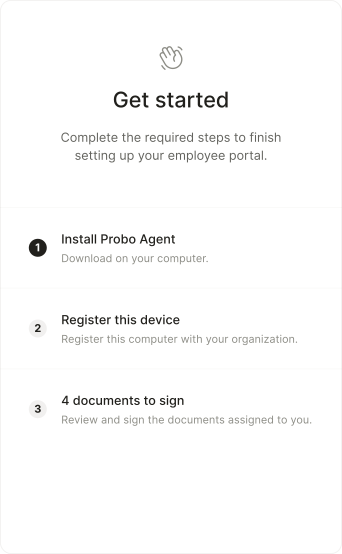
Yes. On macOS and Windows, users can install and enroll the agent themselves through the ZebraByte Employee Portal.
No. Requests are initiated by the agent over HTTPS for enrollment, heartbeat, posture reports and unenrollment, with no WebSocket or remote-control command queue.
Yes. The agent can check signed releases and validate builds using the project's signing mechanisms.
Yes. Uninstall the agent from the device or revoke the device in ZebraByte's Devices list; after revocation, it stops reporting.
Access to the data is controlled by the organization's roles. The agent is open source and can be audited by the security team to verify exactly what it collects.
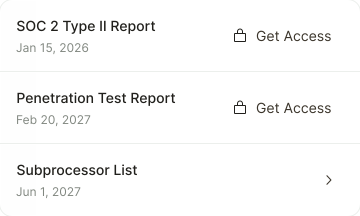
Share security documents securely
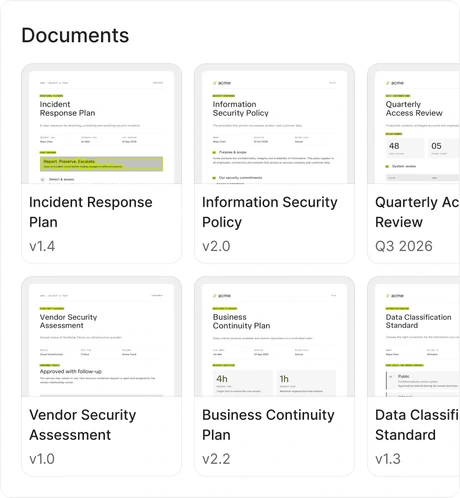
Draft, approve, and sign your policies
Your whole team’s compliance, in one portal
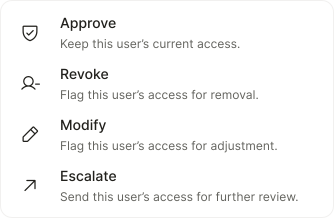
Monitor user access across all your systems
Run compliance from the tools you use
Consent that follows every visitor's law
Monitor device security posture continuously