Documents
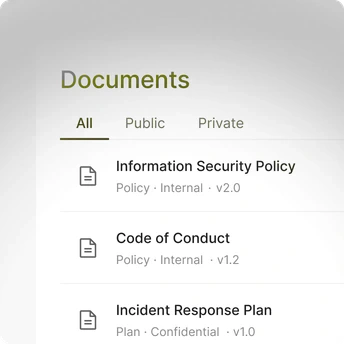
Store policies, procedures, plans, registers, records, reports, and templates with a type and a classification.

ZebraByte service access
Choose the service you want to manage.
Prepare policies, request approvals and manage signatures in a centralised workflow.
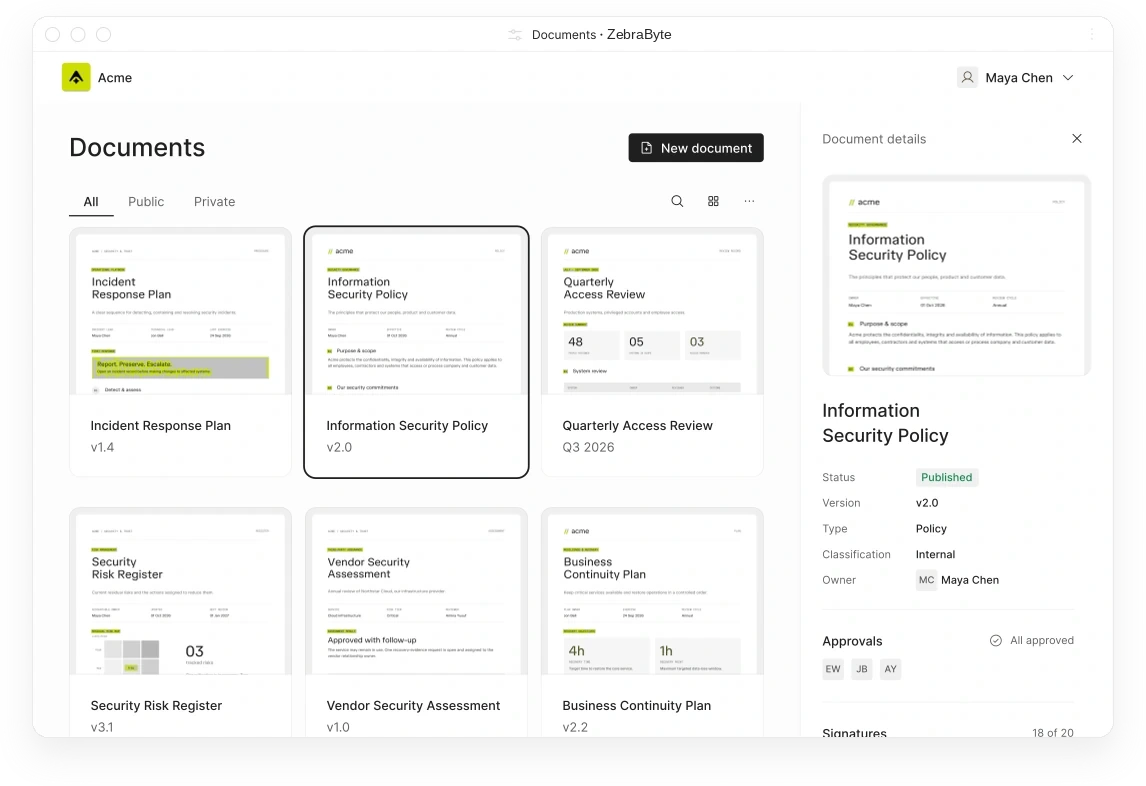
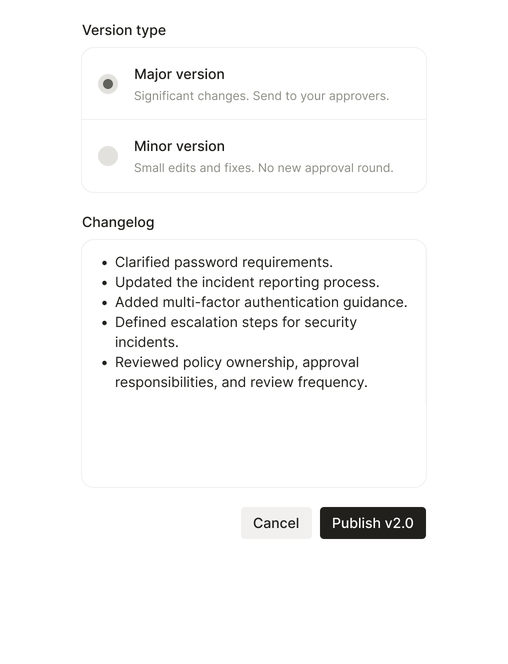
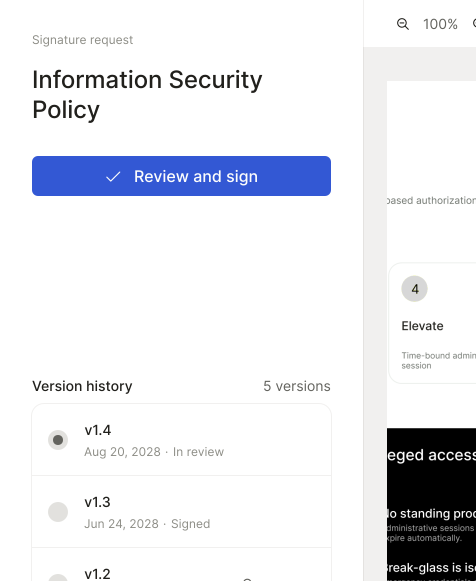
Write drafts, publish minor or major versions, and collect approvals and signatures that stay attached to the exact version your team reviewed.
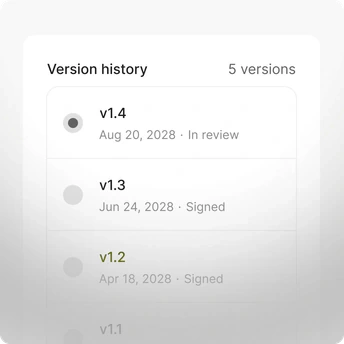
Keep policies, procedures, plans, and registers as versioned records, each with a changelog and a classification.
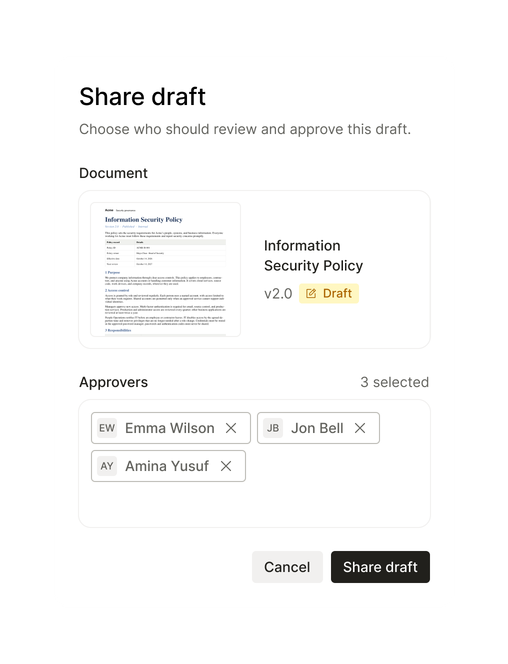
Pick approvers from your user list, and publish the new version only once every one of them approves.
Publish a small fix as a minor version, or a major version that goes back through approval.
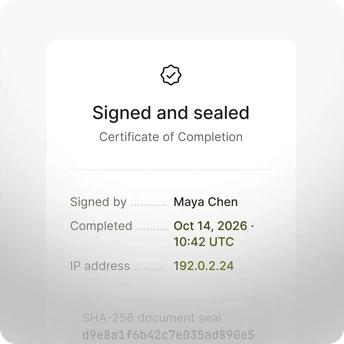
Collect signatures inside ZebraByte, with no separate e-signature tool and a sealed certificate for every signer.
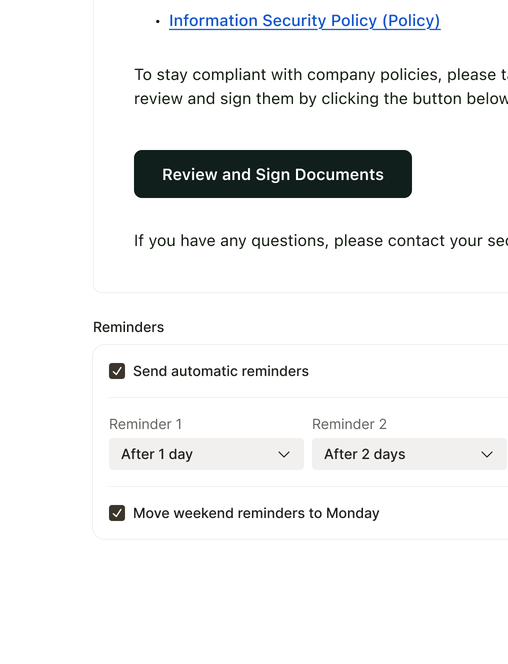
Let ZebraByte email each approver and signer, then follow up with reminders so you do not have to.
Choose approvers, choose minor or major, and request signatures, while ZebraByte can send notifications and follow-ups when the relevant workflow is enabled.
Organize documents, versions, approvals, and signatures as one connected record, instead of PDFs in shared drives and approvals buried in email threads.
Store policies, procedures, plans, registers, records, reports, and templates with a type and a classification.
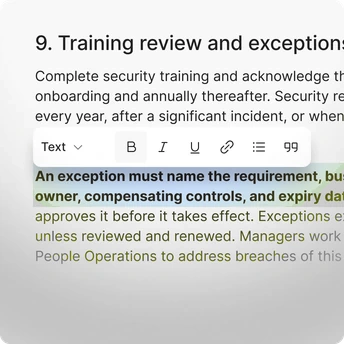
Write in a rich editor with headings, tables, code blocks, and Mermaid diagrams, or paste Markdown in.
Track every draft, minor, and major version, each with its own changelog.
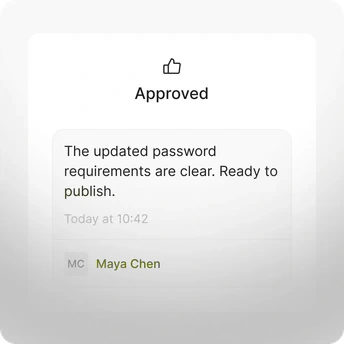
Record who approved or rejected each version, with their comments, against that exact version.
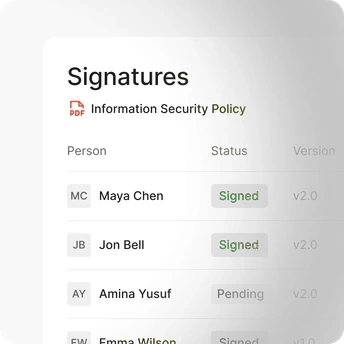
Show who signed, who is still pending, and which major version each signature covers.
Prove each signature with the file hash, signer IP address, timestamp, and signing events.
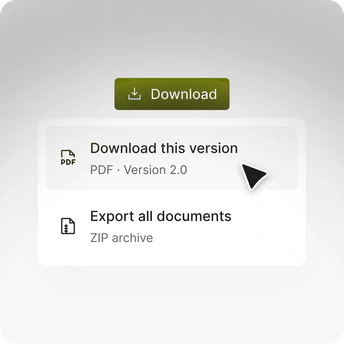
Download any version as a PDF, or export all your documents at once as a ZIP, with or without signatures and a custom watermark.
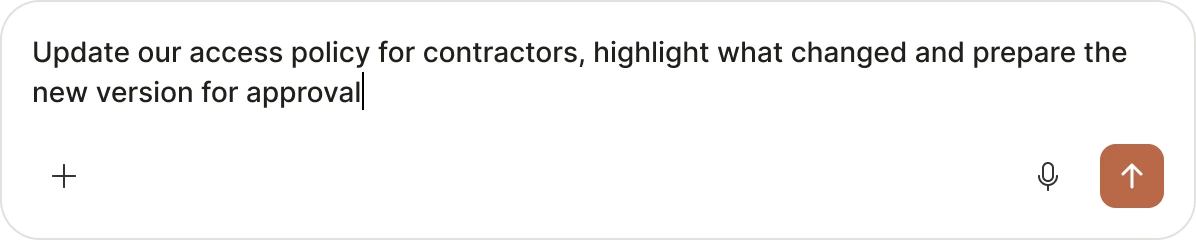
Every step on this page is also available outside the app, so an AI agent or a workflow can draft, publish, and chase signatures for you.
Create, publish, approve, and request signatures from Claude, Cursor, or any MCP client, with 24 document tools.
Automate the lifecycle in n8n with 22 Document operations, from Create to Publish and Request Signature.
Trigger your own workflows when a version is published, rejected, approved, or signed.
Manage documents and versions from the terminal with prb document.
On working with the ZebraByte team.
“My site had alerts and security issues. ZebraByte intervened, cleaned it and migrated it, and its performance improved afterward.”
Featured brands





Signing and evidence records depend on the contracted service. Confirm available timestamp and certificate options before relying on them.
Anyone in your user list. Pick approvers when you publish, or save default approvers on the document so every major version goes to the same people.
The version goes back to draft. Every approver has to approve before the major version is published, and you can void a pending request at any time.
Approval and signatures. A minor version publishes immediately, skips approval, and keeps the signatures already collected. A major version can require approval, and you request signatures again for it.
Notification grouping and delivery timing depend on the configured service. Where enabled, pending requests can be consolidated.
Automated reminders depend on the configured workflow, plan and scheduling options.
Yes. Select several documents and several people, and ZebraByte creates every request in one step. Each person signs once per major version.
AI agent, MCP, n8n and webhook integrations depend on the active plan and technical availability. Confirm the supported operations before deploying an automated workflow.
Everything. Download any version as a PDF with its signatures and approval details, add a watermark with the classification, your own text, and a timestamp, link documents to controls, and use the audit log to trace every change to a controlled record.
Yes. The editor supports headings, tables, code blocks, and Mermaid diagrams, and you can paste Markdown straight in. Diagrams render in the PDF export too.
You can export documents from your hosted workspace, subject to your organisation's permissions and the export options available in the platform. Ask our team about data portability and retention arrangements.
Yes. Set each document's visibility on your Compliance Portal separately, so internal drafts never leave your workspace.
Your team does, with ZebraByte keeping the record. Edit in a draft, publish when ready, and every earlier version stays in history with its approvals and signatures. Unless you want ZebraByte to manage your compliance, in which case we write your documentation and you approve it.
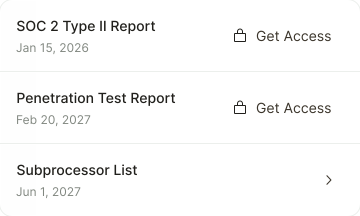
Share security documents securely
Draft, approve, and sign your policies
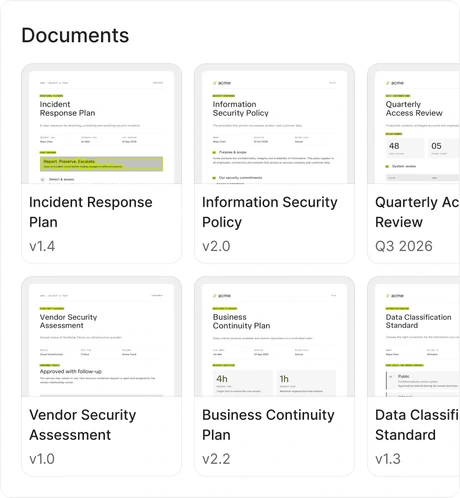
Your whole team’s compliance, in one portal
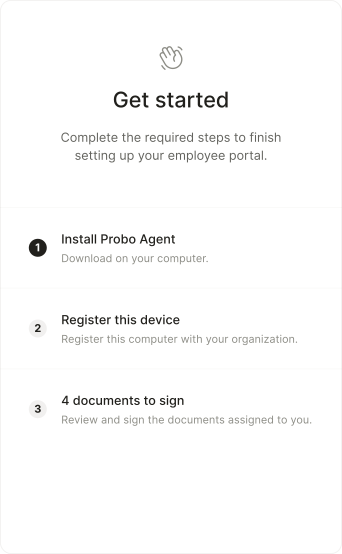
Monitor user access across all your systems
Run compliance from the tools you use
Consent that follows every visitor's law
Monitor device security posture continuously